Find Guitar Tabs & Download Guitar Pro Files
Looking for tabs for your favorite songs? Tabinator features a built-in search tool to quickly find Guitar Pro tablatures, download them, and play them directly in your browser.
Start the tab search: open the menu
Click the 3-dots menu in the top right corner.
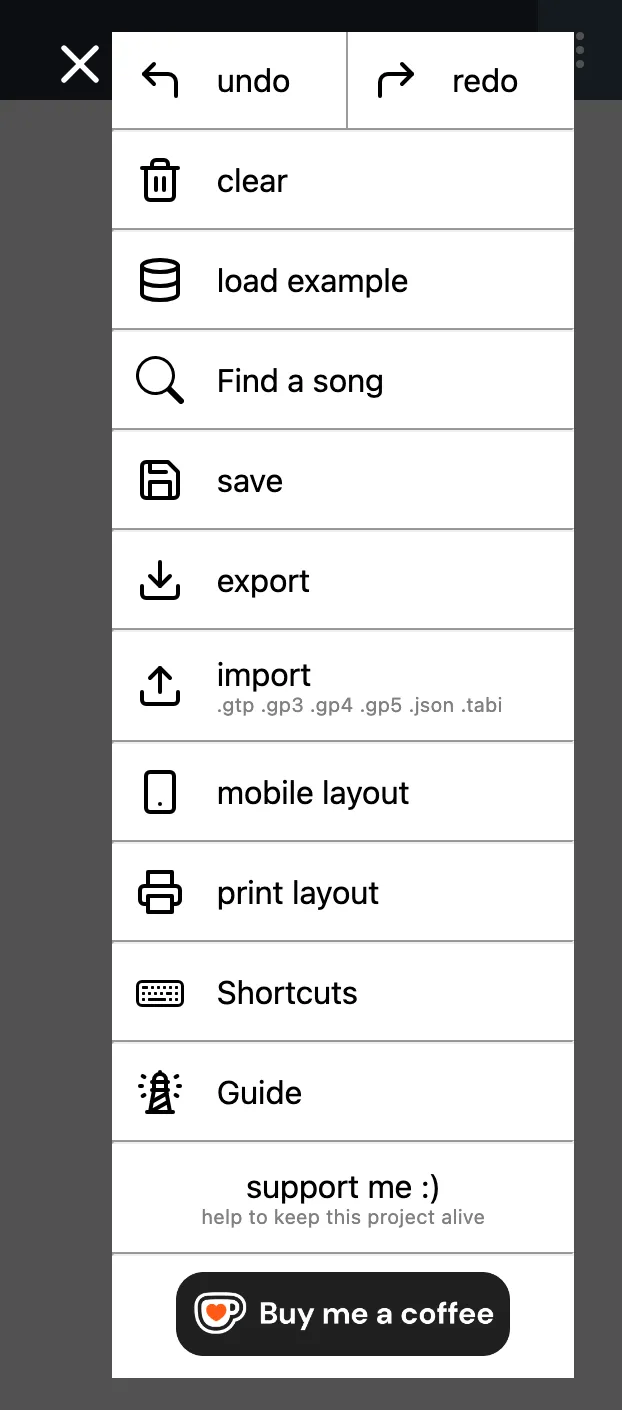
Tap the 3-dots menu in the top right corner.
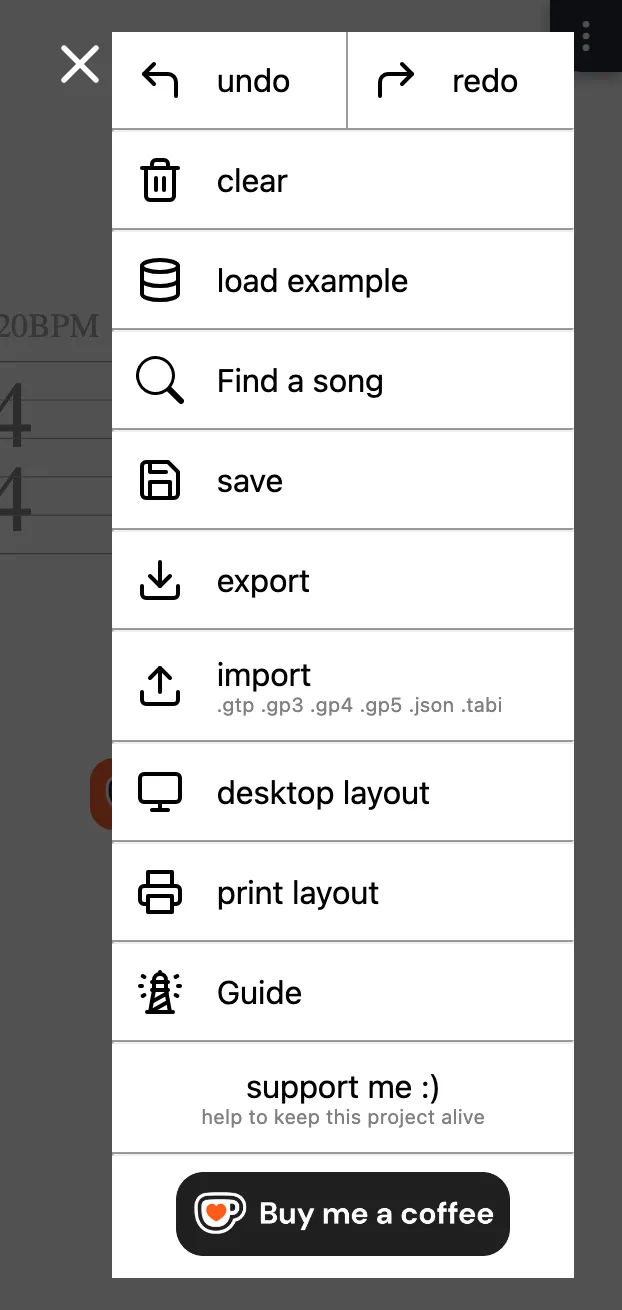
Search for a song: enter title and artist
In the menu, click “Find a song” (magnifying glass icon). A search modal dialog opens.
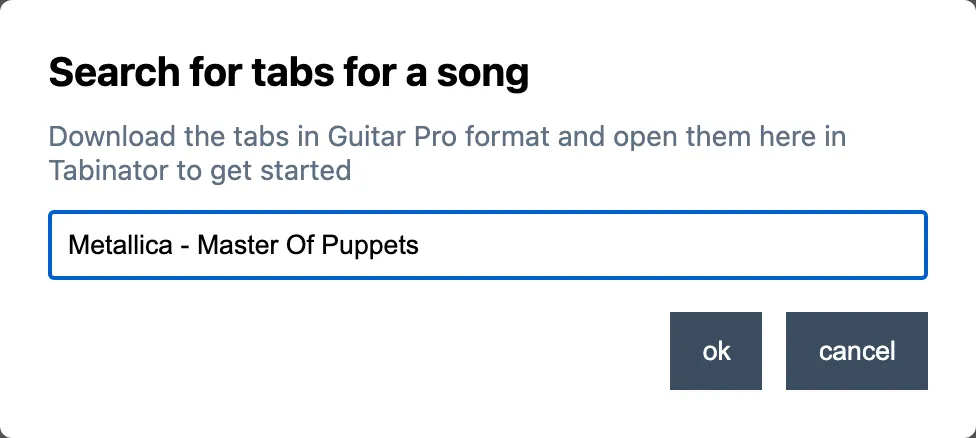
Type the artist and song title into the text field – for example Metallica - Master Of Puppets – and click “ok”.
In the open menu, tap “Find a song” (magnifying glass icon). The search dialog opens.
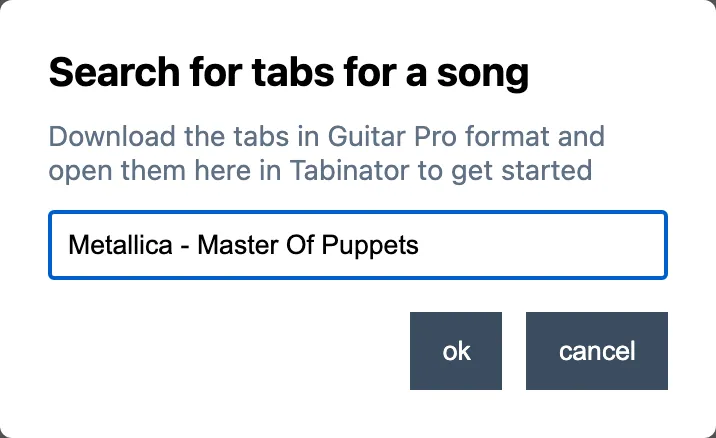
Enter your desired artist and song – for example Metallica - Master Of Puppets – and tap “ok”.
Download the guitar tab on ultimate-guitar.com
After clicking “ok”, you are automatically forwarded to the external search results page on ultimate-guitar.com in a new browser tab.
Notice: ultimate-guitar.com is an independent tablature library and has nothing directly to do with Tabinator. Tabinator is not responsible for its content.
Click the tab you want in the results list. The search already shows Guitar Pro tabs only.
Scroll down on the song page. There you will find the download button. Click it to save the file to your computer.
After tapping “ok”, a new browser tab opens with search results on ultimate-guitar.com.
Notice: ultimate-guitar.com is an independent tablature library and has nothing directly to do with Tabinator. Tabinator is not responsible for its content.
Tap the tab you want in the results list. The search already shows Guitar Pro tabs only.
Scroll down the page to the download button and save the file to your phone.
Open the downloaded Guitar Pro file in Tabinator
Switch back to your Tabinator tab. Simply drag & drop the downloaded file into the browser window – done! The song opens right away.
For more details on opening files, see the guide Open & Import Guitar Pro Files.
Return to Tabinator, open the 3-dots menu, and tap “import”. Select the downloaded file from your Downloads folder – done!
For more details on opening files, see the guide Open & Import Guitar Pro Files.
Have fun practicing!
Once the song is loaded, you can adjust the speed, repeat difficult riffs in a loop, and play along with the metronome. The “Getting Started” guide covers all playback controls.
More Guides
- Getting Started: Load a Sample Song & Play Tabs The perfect start: open Tabinator, load a sample song, switch between tracks and play it back – on desktop and on your smartphone.
- Open & Import Guitar Pro Files (.gp3, .gp4, .gp5, .gtp) Open existing tablature files via drag & drop on desktop or file upload on mobile. Play tracks and edit notes directly in your browser.
- Practice Tabs: Slow Down, Loop Bars & Use the Metronome Play tabs at your own tempo, repeat difficult bars in a loop and practice with the metronome – for guitar, bass and drums.
Search for a song now
Open Tabinator directly in your browser – 100% free, no ads, and no sign-up required.
Open Tabinator