Practice Tabs: Slow Down, Loop Bars & Use the Metronome
Play tabs for guitar, bass or drums at your own tempo: adjust the speed, repeat difficult bars in a loop and practice with the metronome – on desktop and on your smartphone.
Load a song
First, load a song in Tabinator. If you don't have one yet, use the sample song from the Getting Started guide or open one of your own Guitar Pro files.
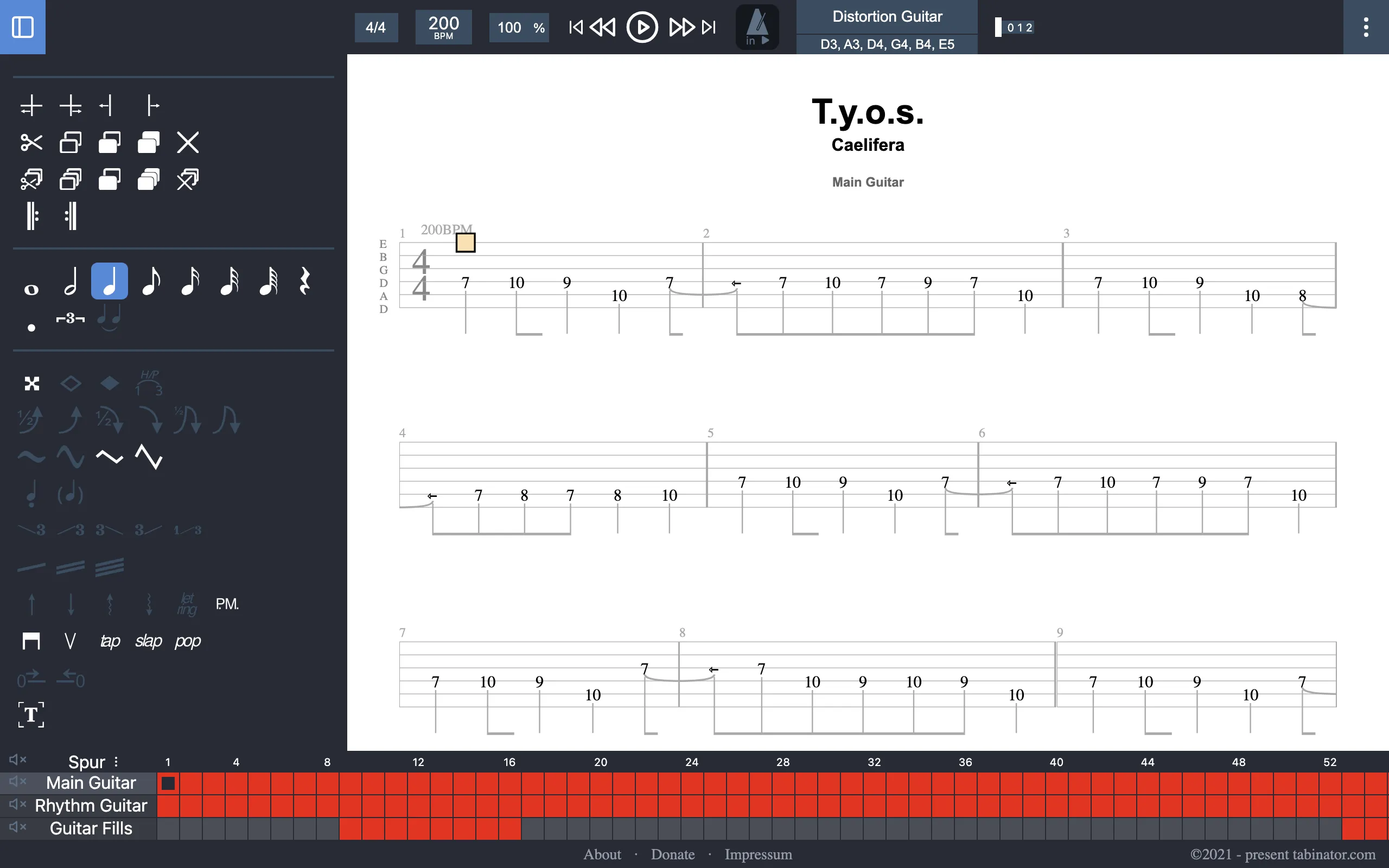
First, load a song in Tabinator. If you don't have one yet, use the sample song from the Getting Started guide or open one of your own Guitar Pro files.
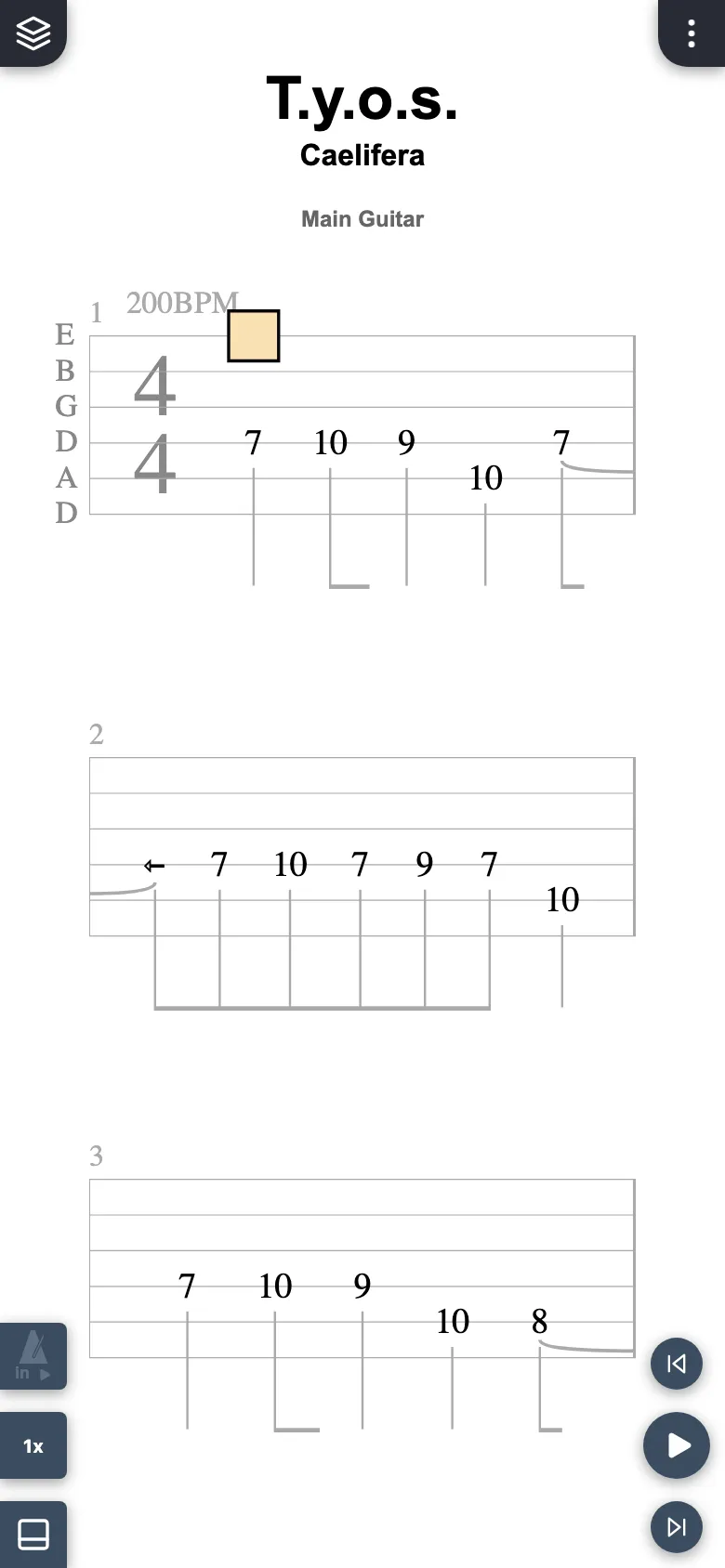
Slow down tabs: adjust the playback speed
The playback speed lets you play a song slower (or faster). The BPM tempo of the song stays the same. Click the percentage field in the toolbar at the top and change 100 % to 80 %, for example.

The playback speed lets you play a song slower (or faster). The BPM tempo of the song stays the same. Tap the button showing “1x” on the bottom left. There you can choose from several speeds.
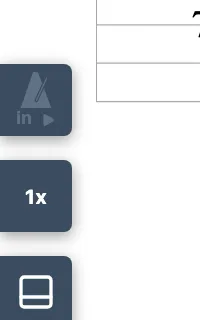
Pick 0.8x, for example. The button now shows the new speed:
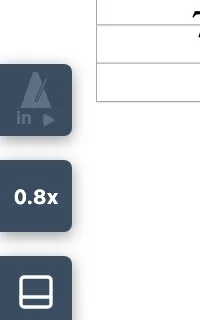
Loop bars for practice
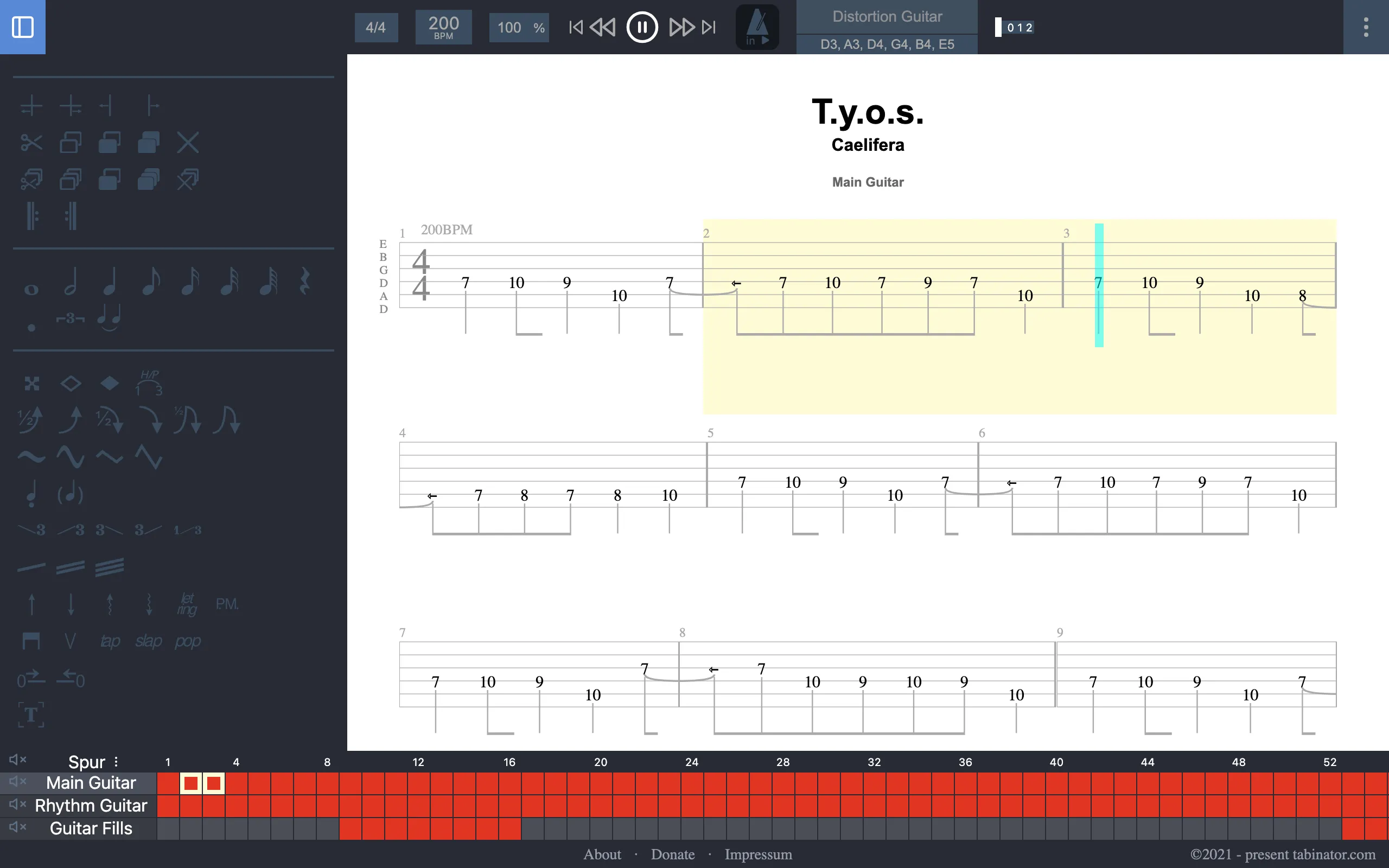
The best way to practice a tricky passage is in a loop. Start by selecting one or more bars: double-click a bar and extend the selection with Shift + left arrow or Shift + right arrow.
You can also press and hold the mouse button on a bar (long press). The selection then starts at that bar and extends to the bar you click next. Here, bars 2 and 3 are selected:
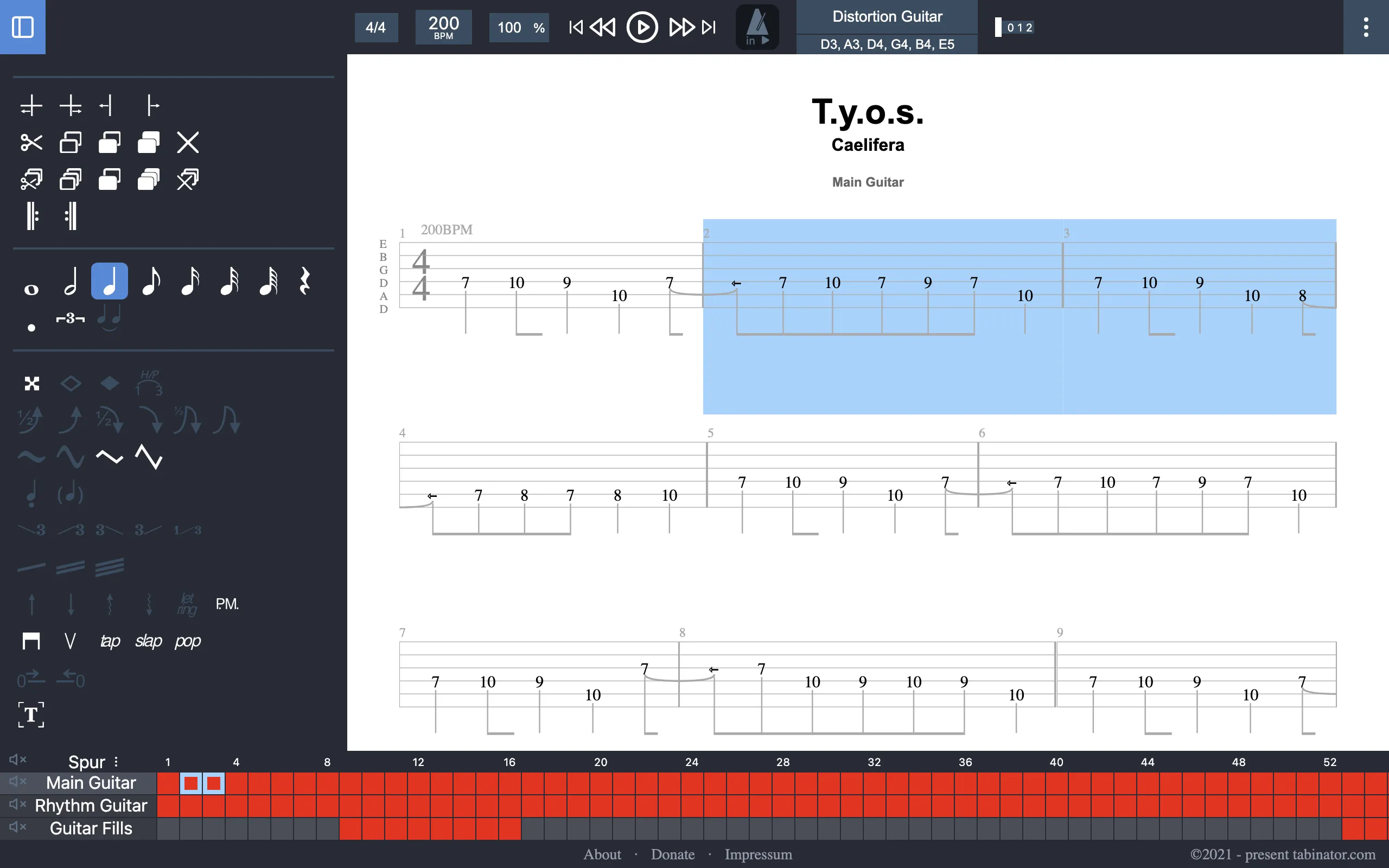
Now start playback. Tabinator plays the selected bars over and over until you stop with the spacebar or the pause button.
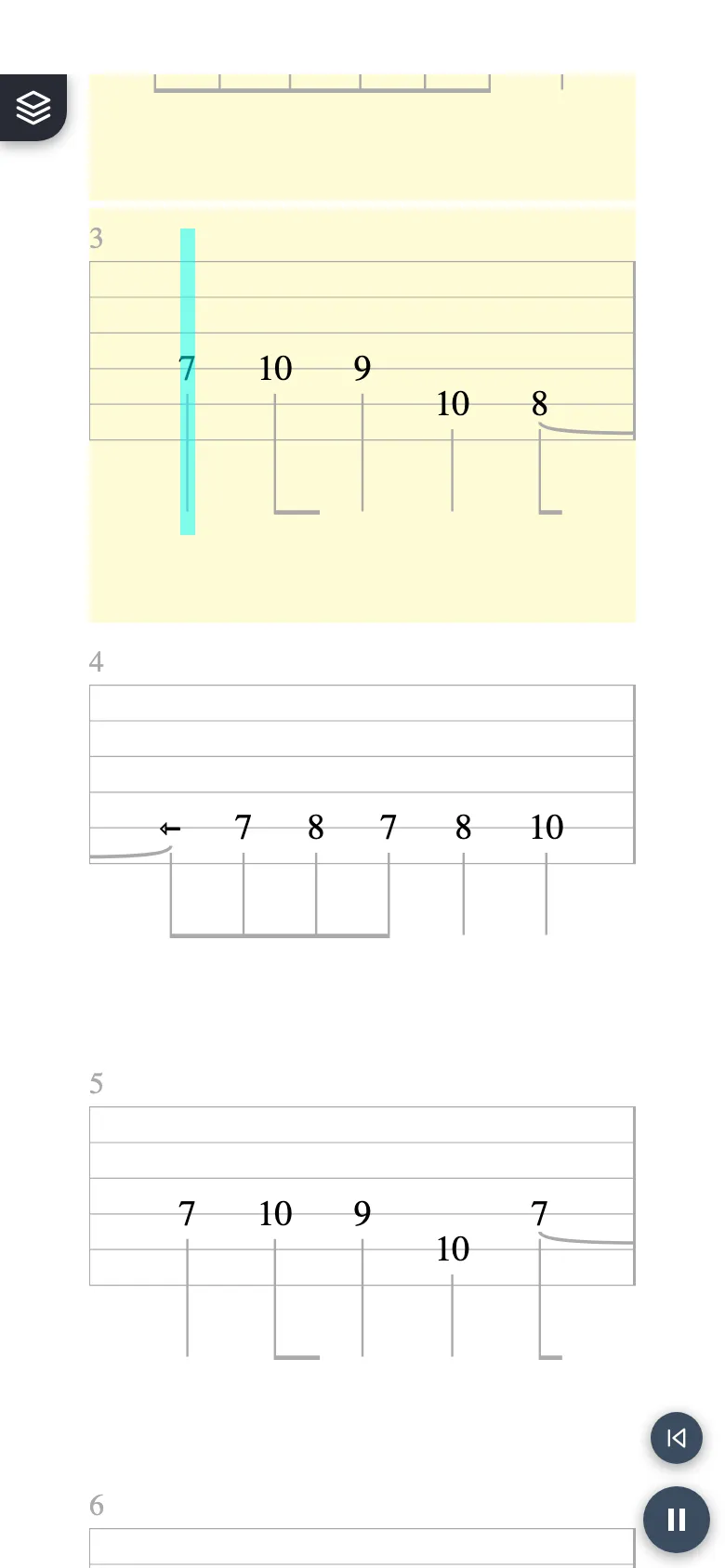
The best way to practice a tricky passage is in a loop. Start by selecting one or more bars: press and hold a bar until selection mode starts. The selection begins at that bar. Then tap another bar to extend the selection up to it. Here, bars 2 and 3 are selected:
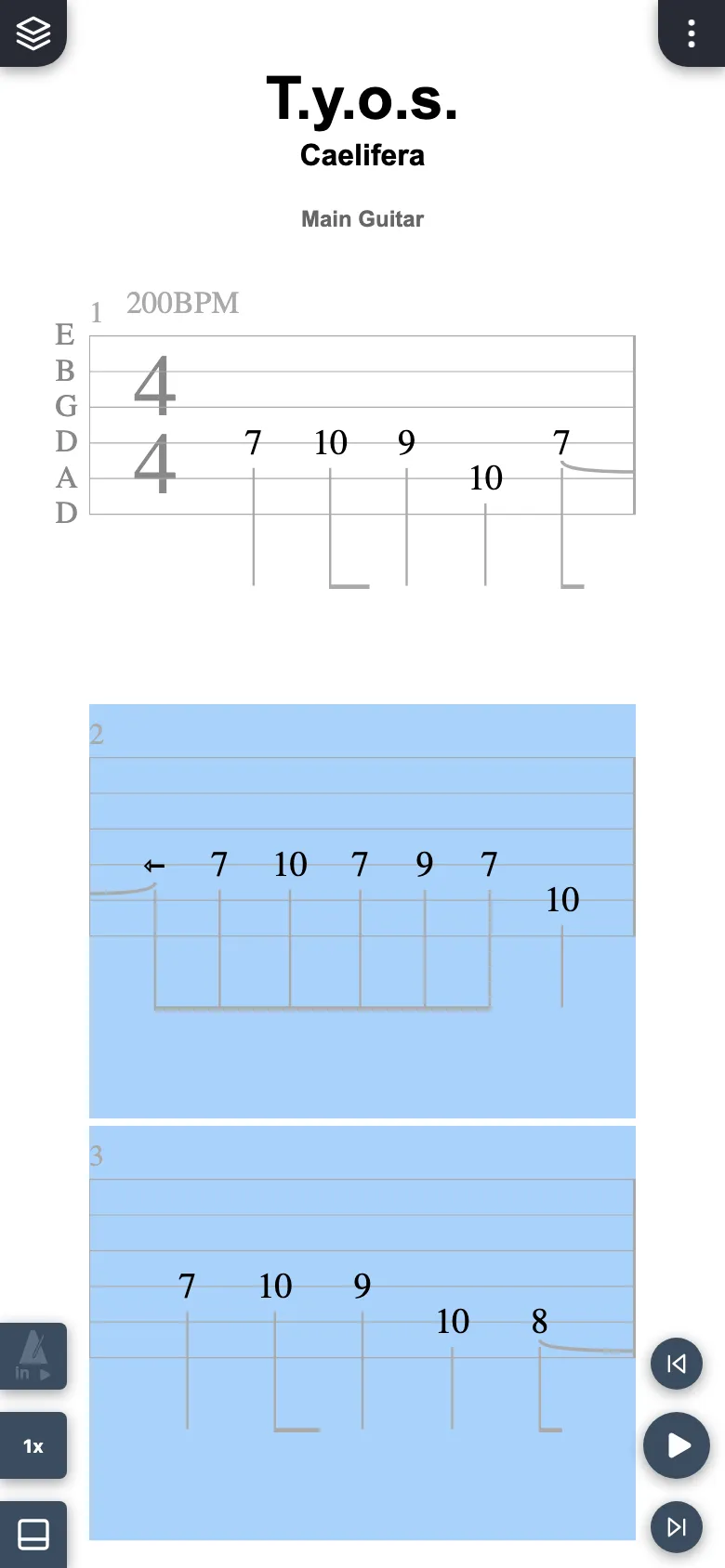
Now start playback. Tabinator plays the selected bars over and over until you tap the pause button.
Turn on the metronome while practicing
You'll find the metronome in the toolbar at the top. Each click switches to the next mode: off → count-in → while playing → count-in and while playing.
You'll find the metronome as a button on the left edge of the screen. Each tap switches to the next mode: off → count-in → while playing → count-in and while playing.
How to practice a difficult song
Start at a slow tempo that feels comfortable. It's perfectly fine if that is much slower than the original tempo.
Select only the bars that are difficult for you and play them in a loop until they feel secure.
Only when you feel confident at that tempo, increase the speed – very gradually, in small steps.
Once everything sits, play the whole song through once, ideally with the metronome.
More Guides
- Getting Started: Load a Sample Song & Play Tabs The perfect start: open Tabinator, load a sample song, switch between tracks and play it back – on desktop and on your smartphone.
- Open & Import Guitar Pro Files (.gp3, .gp4, .gp5, .gtp) Open existing tablature files via drag & drop on desktop or file upload on mobile. Play tracks and edit notes directly in your browser.
- Find Guitar Tabs & Download Guitar Pro Files Search for tablatures of your favorite songs with the integrated search, download Guitar Pro files, and open them directly in Tabinator.
Start practicing
Launch Tabinator directly in your browser – 100% free, no ads, no sign-up required.
Open Tabinator